
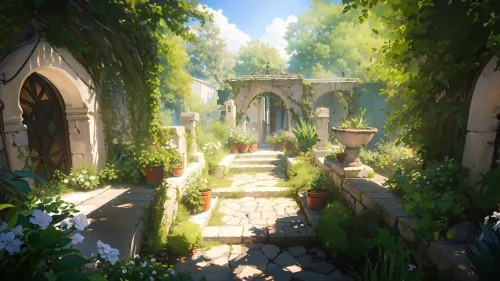
Secret Garden Path – Tranquil Courtyard
28-05-2025, 10:22

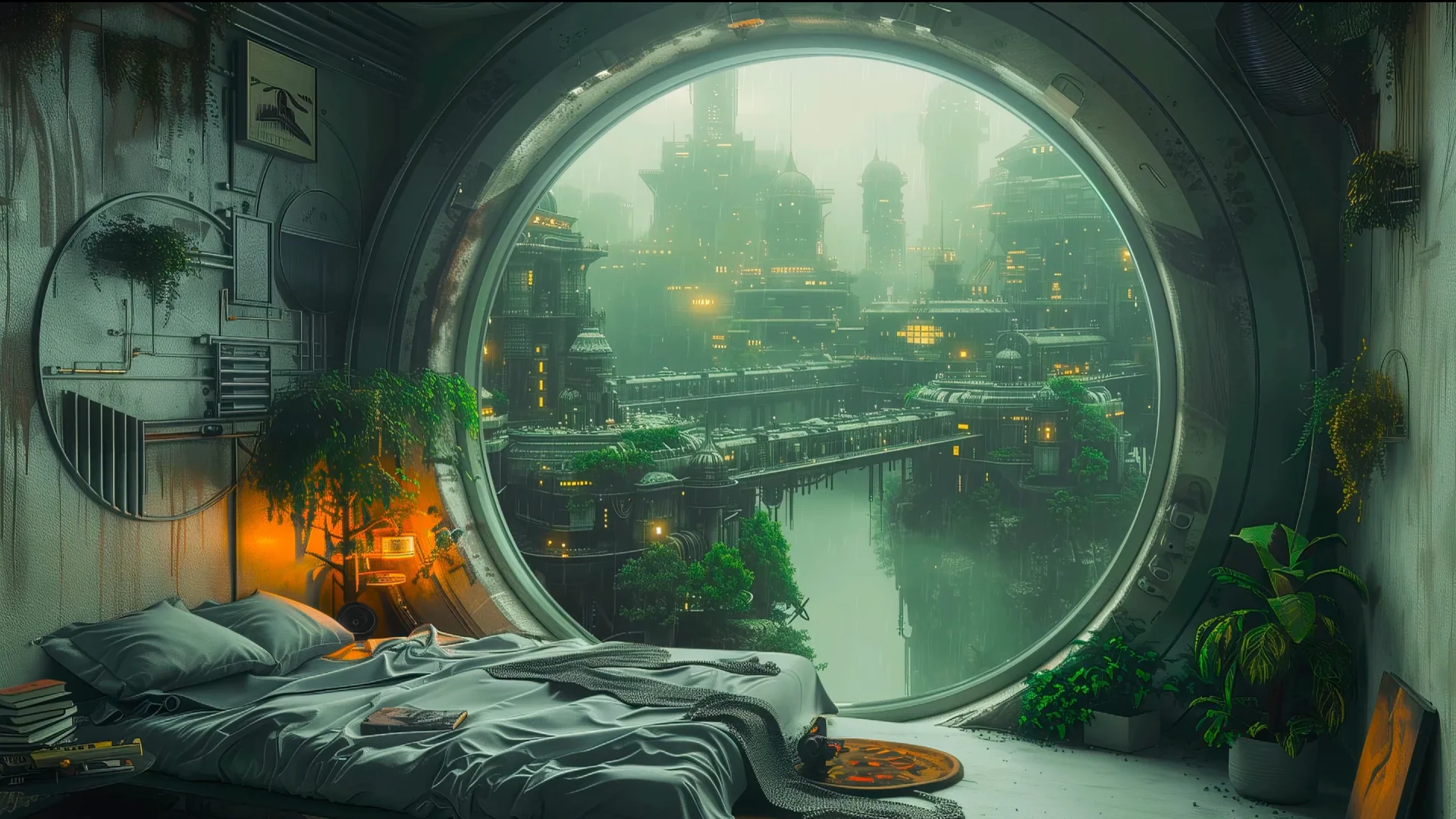
Step into the calm after the storm with this immersive HD live wallpaper, featuring a quiet bedroom tucked inside a futuristic structure. Beyond the massive circular window lies a glowing cyber-city, veiled in mist and rainfall. Skyscrapers rise through the haze, connected by luminous bridges and lined with neon-lit greenery — a perfect fusion of nature and architecture.
Inside the room, soft lighting and scattered books create a grounded, personal atmosphere. Vines creep from the ceiling and walls, a subtle rebellion of nature in a synthetic world. The bed is slightly messy, inviting, real — and the contrast between the outside world and inner sanctuary is strikingly beautiful.
Whether you're into cyberpunk aesthetics, futuristic cityscapes, or rainy window views, this live wallpaper sets a contemplative tone, perfect for moments of quiet focus or digital daydreaming.
Let your screen become a porthole to a world that feels both distant and deeply personal. A place where the city sleeps, and you're awake to watch it breathe.





No comments
Information
Users of Guests are not allowed to comment this publication.