
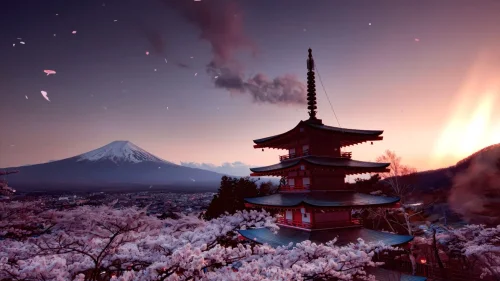
Mount Fuji Sakura
16-01-2025, 00:07

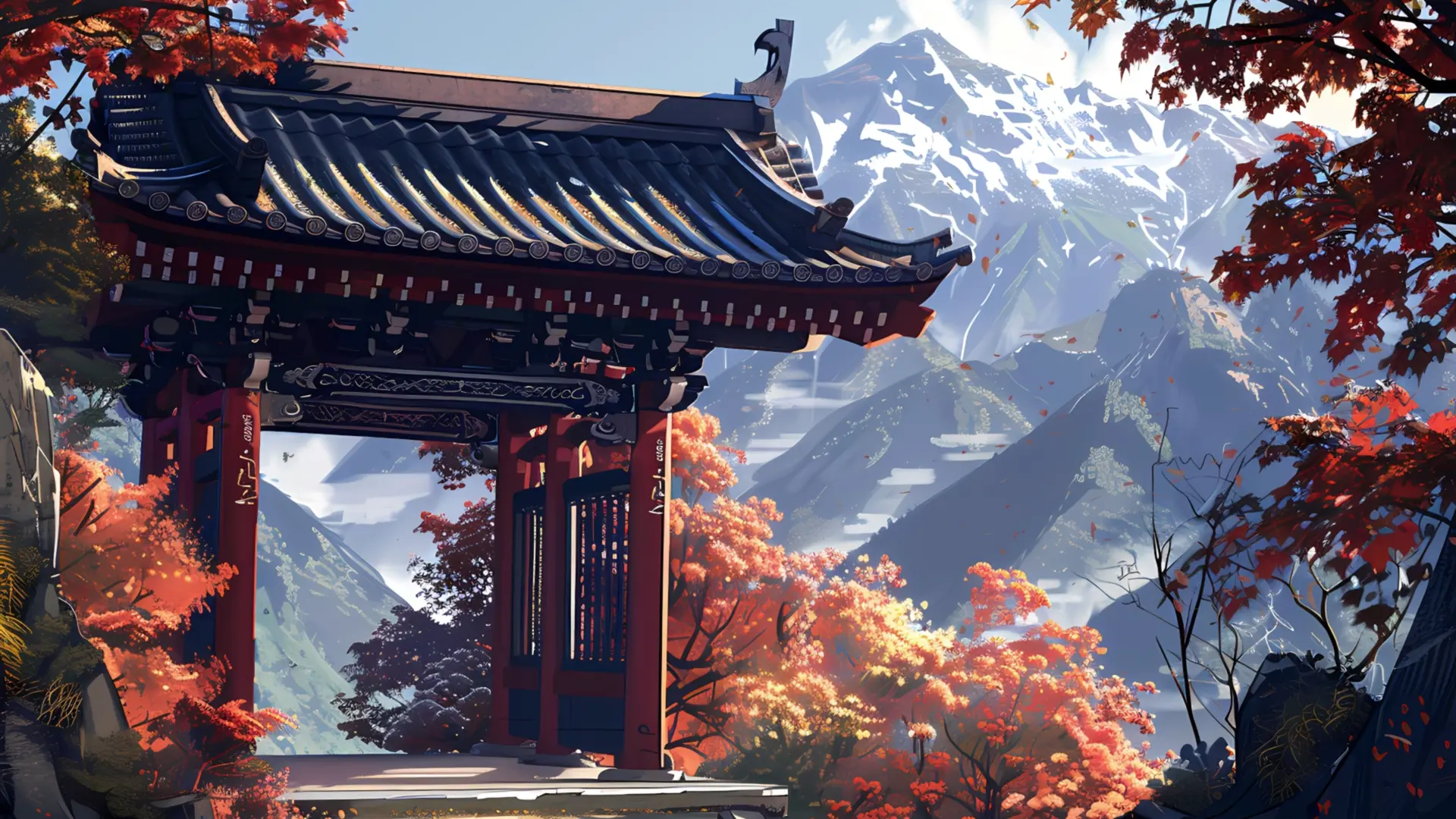
This desktop live wallpaper captures the breathtaking beauty of Japan’s traditional architecture set against a stunning autumn mountain landscape. A red temple gate (torii-style) stands proudly among vibrant maple trees, their red and orange leaves glowing under the sunlight. Behind the gate, majestic mountains rise high with snowy peaks and rolling valleys. Unlike static backgrounds, this Japanese temple live wallpaper brings motion, depth, and a soothing atmosphere to your desktop screen.
What makes this wallpaper special is its harmony between nature and cultural heritage. The temple gate symbolizes peace and spirituality, while the colorful autumn foliage reflects the season of change. For fans of Japanese wallpapers, autumn landscapes, or Zen-inspired backgrounds, this live wallpaper is the perfect addition to your desktop. It creates a calming ambiance that is both inspiring and grounding.
This is more than a simple digital background. The temple gate in the mountains invites you to pause and appreciate the beauty of simplicity. The autumn colors create warmth, while the snow-covered mountains add freshness and balance. It’s ideal for anyone seeking a relaxing desktop wallpaper with an artistic and cultural touch. Compared to generic scenic wallpapers, this one combines detailed artwork with motion effects to enhance your PC experience.
This temple gate autumn mountains live wallpaper transforms your desktop into a peaceful retreat. Whether you love Japanese culture, mountain landscapes, or serene autumn views, this wallpaper brings harmony and elegance to your screen. It’s the perfect choice for those who want to blend tradition, nature, and digital art into a single immersive experience.

No comments