

Cyberpunk Girl
23-08-2025, 18:28

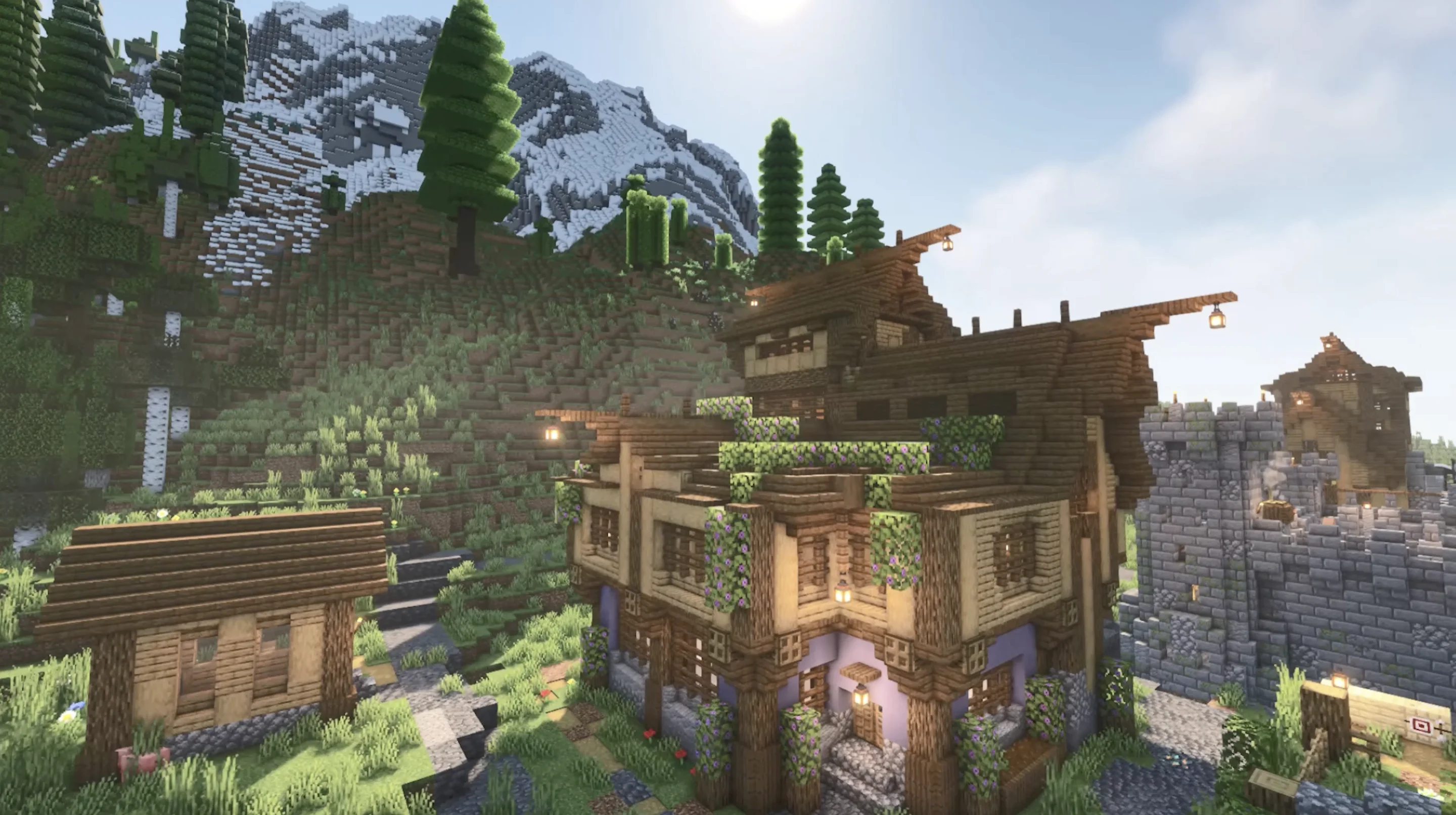
Bring the charm of Minecraft to your desktop with the Minecraft House Live Wallpaper 4K, a perfect choice for fans of the iconic sandbox game. This animated wallpaper showcases a beautifully built wooden house surrounded by lush greenery, vibrant flowers, and stunning mountain peaks in the background. The detailed textures and realistic lighting effects created with shaders make this scene look alive, transforming your computer into a dynamic Minecraft world.
Designed for both Windows and macOS, this live wallpaper is optimized for 4K UHD displays, ensuring sharp visuals and smooth animation. Whether you’re working, gaming, or studying, this Minecraft live wallpaper adds a touch of creativity and nostalgia to your everyday desktop experience. Unlike static wallpapers, it brings movement, depth, and atmosphere, immersing you in the relaxing yet adventurous spirit of Minecraft.
The house itself represents the core of Minecraft survival: warm lanterns illuminating the walls, ivy climbing up the wooden beams, and a stone path leading to the entrance. In the distance, snowy mountains and tall pine trees create a breathtaking view, reminiscent of the adventures every player enjoys in the game. This wallpaper is not just a background — it’s a reminder of exploration, building, and creativity.
Installation is quick and user-friendly, making it simple to personalize your PC or Mac with this unique design. Whether you are a longtime Minecraft fan or someone who simply enjoys artistic gaming-inspired wallpapers, the Minecraft House Live Wallpaper is a must-have for your desktop.
If you’re searching for a Minecraft 4K live wallpaper for PC or Mac, this option combines the relaxing beauty of the game with high-quality animation. Upgrade your screen and enjoy the atmosphere of Minecraft every time you turn on your computer.




No comments
Information
Users of Guests are not allowed to comment this publication.