
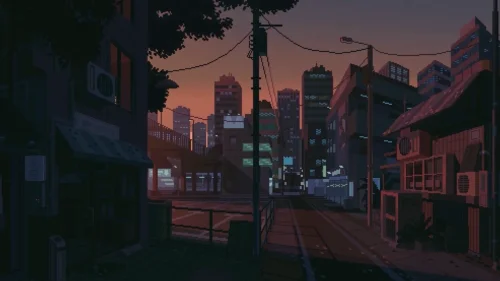
Pixel Dusk City
16-06-2025, 21:49

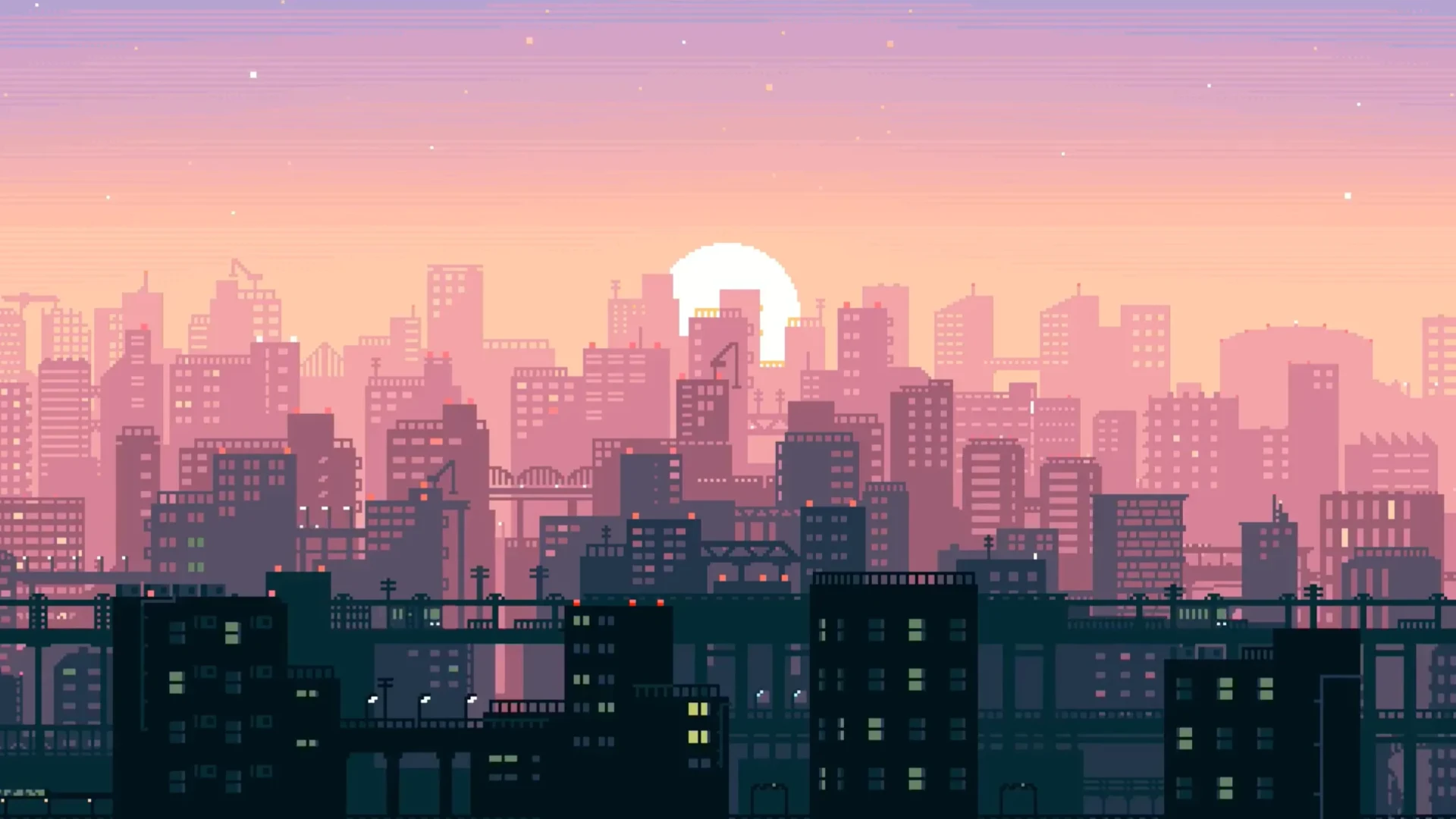
Turn your desktop into a nostalgic window overlooking a peaceful pixelated metropolis. This beautifully crafted pixel city live wallpaper captures the charm of retro gaming and the calm of a golden hour sunset in one seamless animated loop. Soft pastel skies fade from lilac to peach as the sun dips behind a dense skyline of glowing windows, silhouetted buildings, and digital life coming alive.
As the scene unfolds, you'll notice subtle but immersive motion: blinking lights in high-rise apartments, animated stars that appear as night falls, and the gentle transition of the sky from warm day to cool dusk. It's like a playable cutscene from your favorite indie game — designed not just to decorate your desktop, but to create a mood.
This animated retro city wallpaper is perfect for fans of pixel art aesthetics, 8-bit and 16-bit inspired visuals, or anyone who enjoys the quiet energy of urban landscapes reimagined in minimal digital art. Whether you're working, studying, coding, or relaxing, the scene provides an ideal ambient background that’s artistic without being distracting.
The city feels alive, yet still. The sunset feels personal. It’s lo-fi. It’s warm. It’s familiar — like watching the end of the day from your rooftop in a game you never want to stop playing.

No comments