
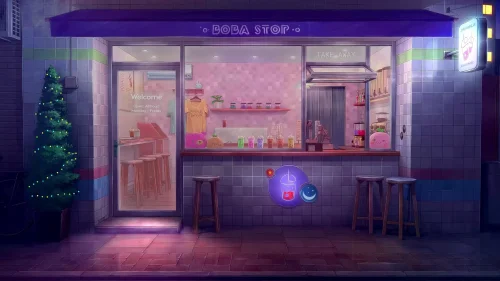
Boba Stop
9-12-2025, 20:17

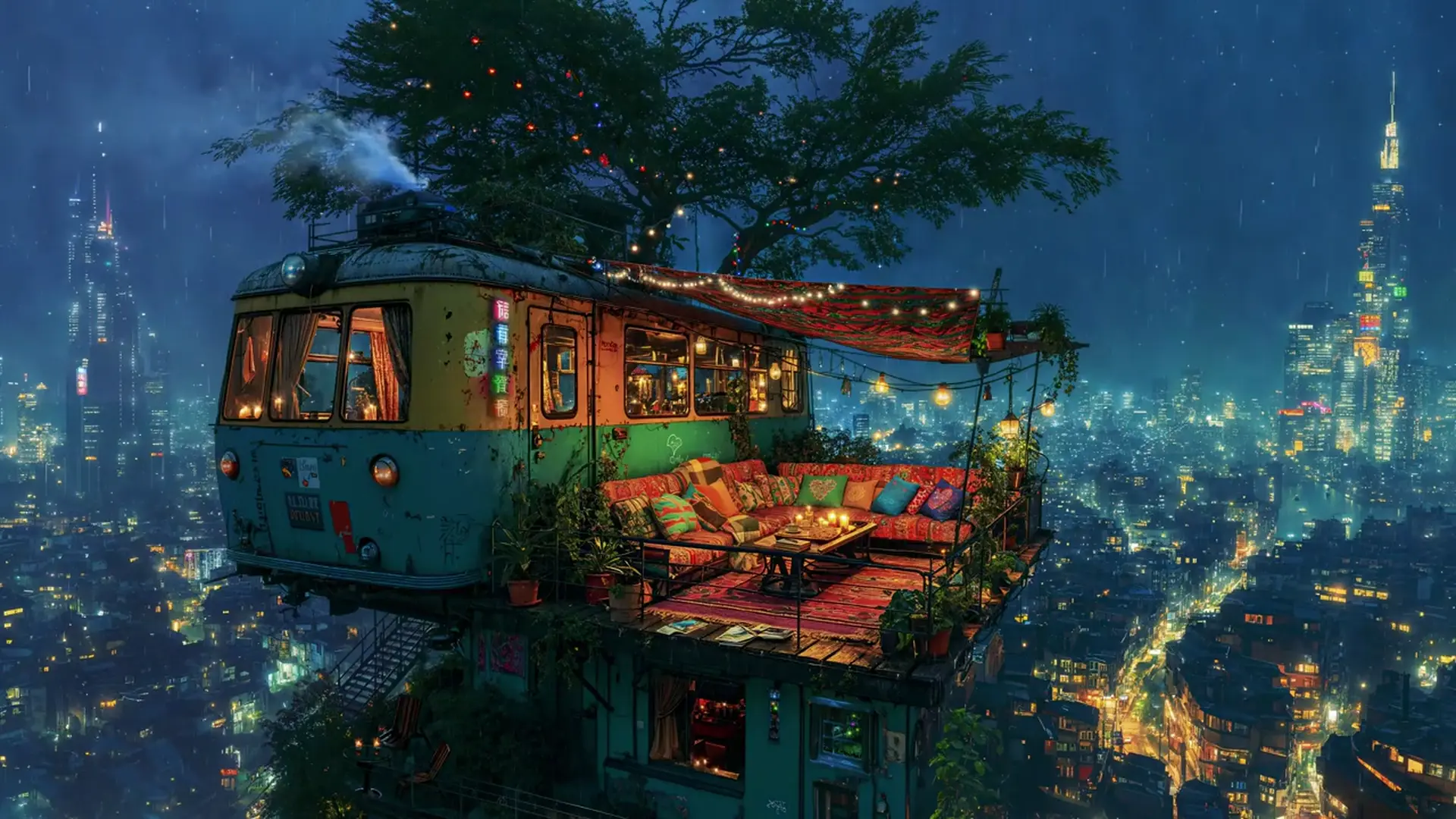
A rainy night, soft lights, and the calm hum of the city below — this is the world of the Cozy Lo-Fi Treehouse. Perched high above the glowing skyline, a tiny home made from an old train car has been transformed into a warm retreat. String lights twinkle, candles flicker, and the rain taps gently on the roof — everything about this live wallpaper feels alive.
It’s a place of comfort and creativity, where you can unwind, read, or dream while the city sparkles in the distance. The animated raindrops, glowing neon signs, and cozy interior bring a peaceful Lo-Fi aesthetic to your desktop — perfect for focus, study, or relaxation.
Whether you’re on Windows or Mac, this live wallpaper turns your screen into a cinematic escape — a little corner of warmth above the bustling world.



No comments
Information
Users of Guests are not allowed to comment this publication.