
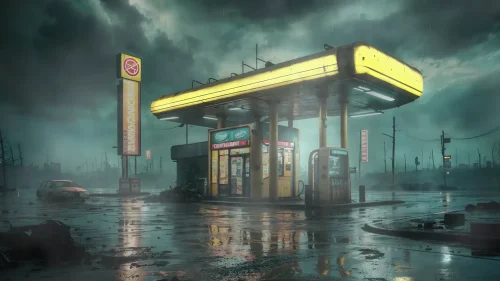
Forgotten Gas Station
18-09-2025, 00:30

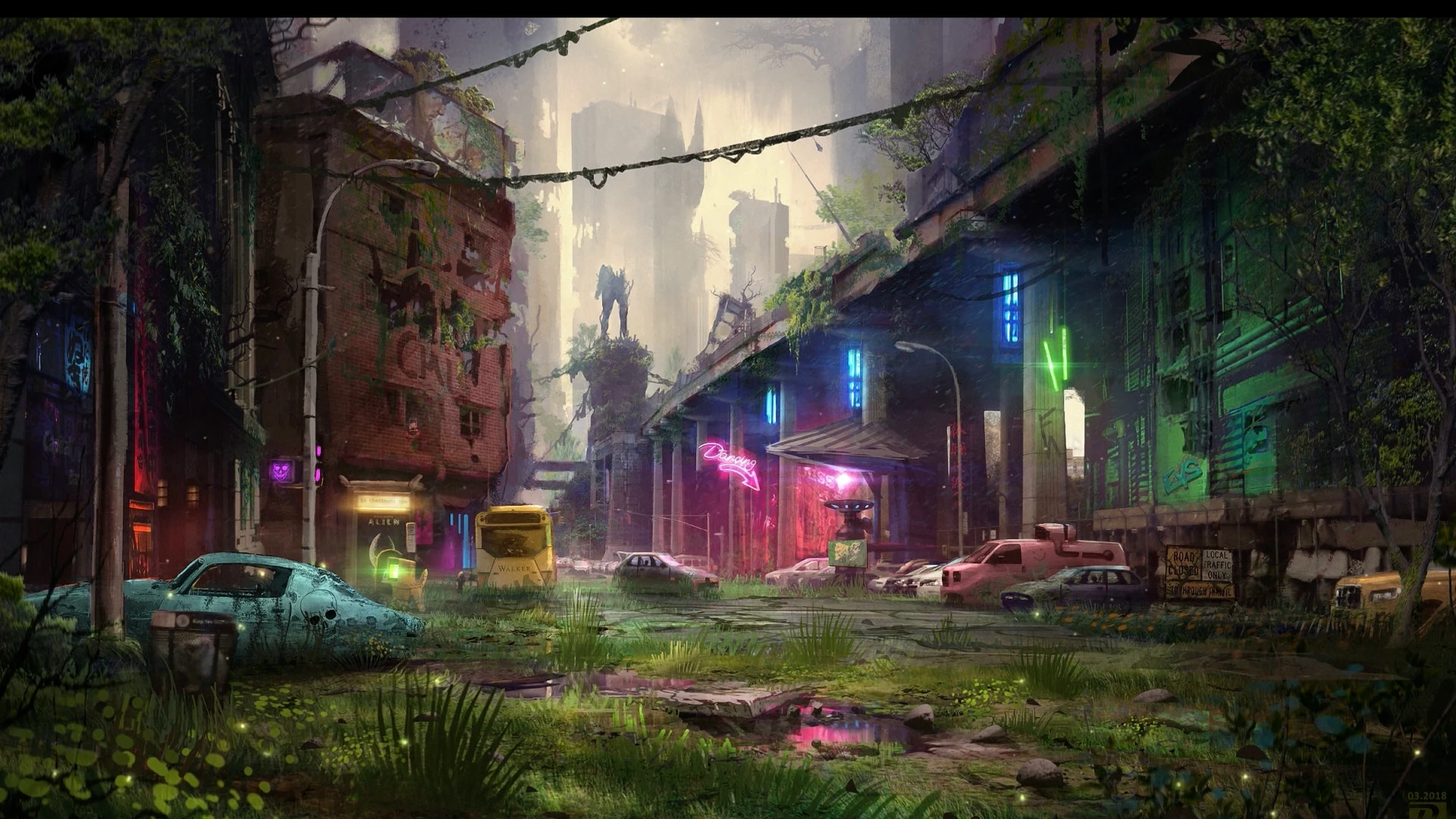
Silence has reclaimed the streets. Once a neon-bathed hub of noise and movement, the city now slumbers beneath creeping vines and fractured concrete. In Urban Afterlife – Overgrown City of the Future Live Wallpaper, you step into a forgotten world—a place where time has paused, but nature has not.
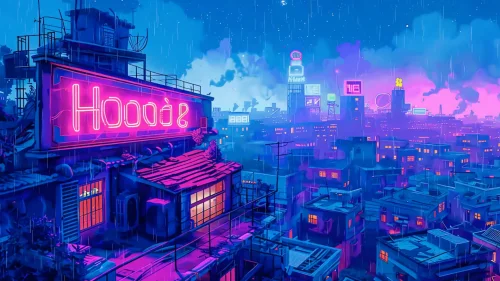
Cracked asphalt is now soft with moss, wild grass bursts from pavement seams, and puddles shimmer with light from the few neon signs still blinking, defiantly alive. A yellow transport pod rusts near an ancient wall. Pink neon still glows above the husk of an abandoned bar—“Dreaming,” it says, an echo of something long gone.
This isn’t just decay. It’s rebirth. The towering highways, now overtaken by trees, twist through misty ruins and forgotten alleyways. Muted voices of a civilization echo faintly through the broken structures, now wrapped in ivy and shadow. Between old cars and glowing vending machines still pulsing with dim life, the city whispers stories of a world that was—and what grew in its place.
A statue stands tall in the distance, watching silently from a moss-covered pedestal. Nature and technology coexist here in eerie harmony, frozen in time. The dim buzz of flickering power grids remains, like heartbeats buried beneath soil. It's peaceful, yet haunting—a post-apocalyptic city wallpaper that makes you question whether this place died or simply evolved.
This cyberpunk-nature-live-wallpaper brings a unique mix of dystopian sci-fi and serene wilderness. The scene is alive with subtle animation: drifting fog, rippling puddles, and glowing signs that pulse like fireflies trapped in forgotten glass. Whether you're a lover of overgrown urban fantasy, environmental storytelling, or immersive visual art, this background transforms your device into a portal to a world where ruin and beauty are one.
Install this cinematic overgrown-future-city-live-wallpaper and lose yourself in the tranquil decay of a world that once thrived. Every glance tells a different story. Every shadow holds a forgotten memory.

No comments
Information
Users of Guests are not allowed to comment this publication.