
Retro Gamer's Paradise
17-06-2025, 07:32

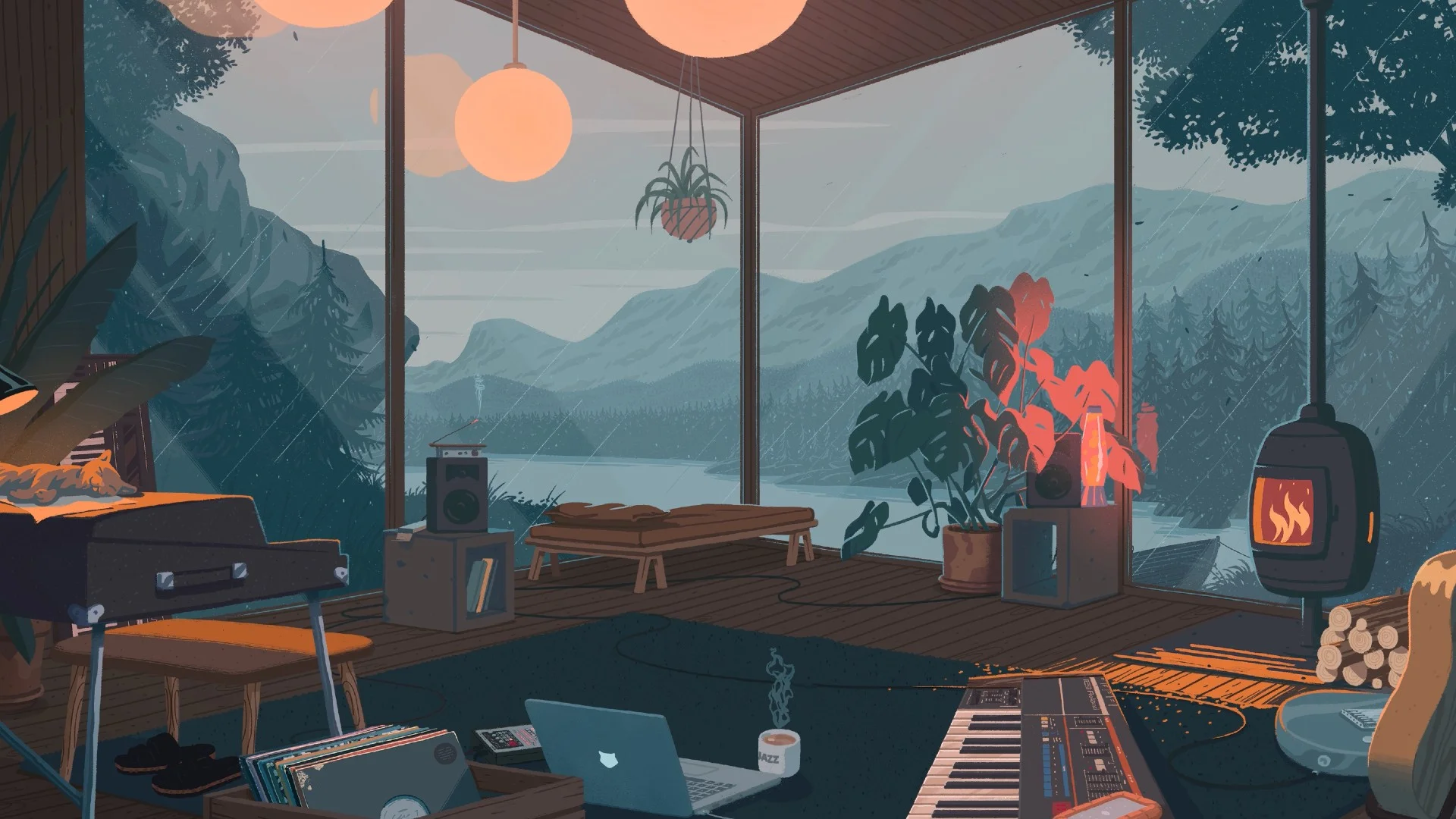
Step into a world of warmth and tranquility with this Cozy Lofi 4K Animated Live Wallpaper. Nestled in a glass-walled cabin overlooking a misty mountain lake, this scene sets the perfect mood for relaxation, focus, and creativity. Gentle raindrops patter against the windows, the soft glow of a fireplace crackles in the corner, and ambient lofi beats fill the air as you sip on a hot cup of coffee, lost in the moment.
From the scattered vinyl records and open laptop to the vintage synthesizer and glowing lava lamp, every detail of this animated wallpaper evokes a calm and cozy atmosphere, making it ideal for study sessions, work breaks, or pure relaxation. The soothing color palette, the ambient rain effects, and the warm lighting transitions bring life to your screen, immersing you in a peaceful retreat from the outside world.
Whether you are a fan of chill beats, lofi study aesthetics, or minimalist cozy spaces, this 4K animated wallpaper is a must-have for anyone looking to enhance their digital environment with a touch of serenity.

No comments