
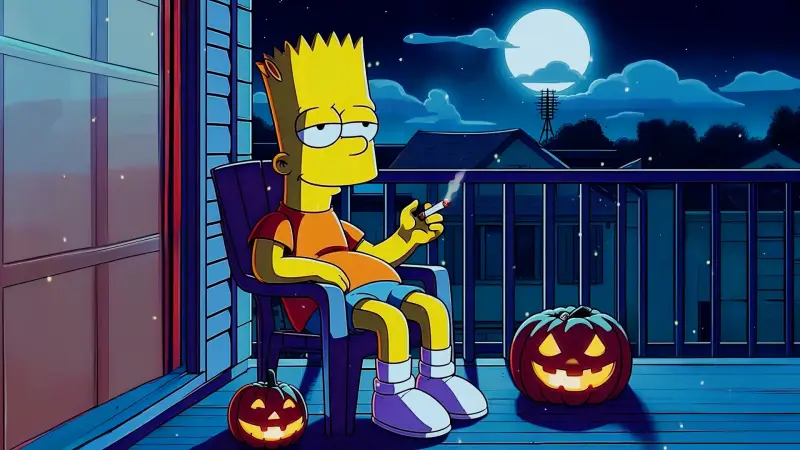
Bart Simpson
29-03-2026, 20:50

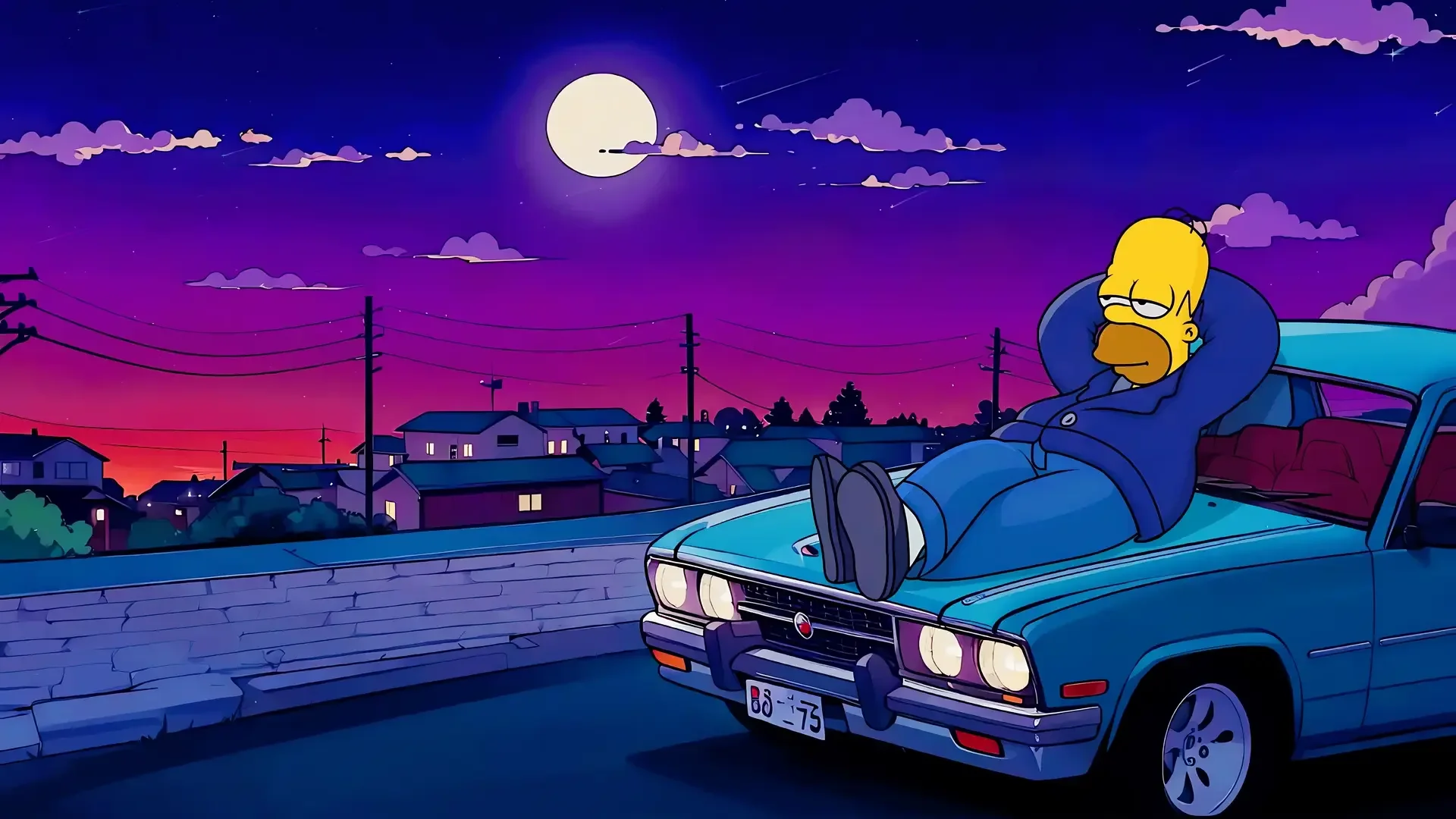
Under a deep violet sky, Homer lounges across the hood of his car, gazing lazily at the glowing full moon above the sleeping town. Power lines stretch across the horizon, rooftops rest quietly below, and distant houses flicker with soft, warm lights. The stillness of the night mixes perfectly with the dreamy color palette, creating an atmosphere of calm reflection and gentle escape.
The peaceful city hums quietly beneath the cosmic glow, while passing clouds slowly drift across the moonlit sky. The road remains empty, allowing the moment to linger — a rare pause where nothing demands attention except the quiet beauty of the night. Every detail adds to the soothing vibe, from the gentle gradients of twilight to the relaxed posture of Homer himself.
This live wallpaper is perfect for fans of cozy lo-fi moods, late-night city aesthetics, and iconic animated moments reimagined in a cinematic style. It turns your screen into a tranquil escape, where relaxation, nostalgia, and midnight serenity meet.




No comments
Information
Users of Guests are not allowed to comment this publication.