
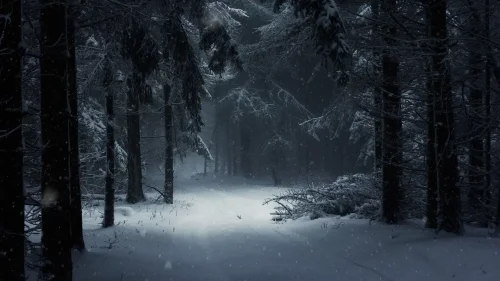
Silent Snowfall
8-12-2025, 21:40

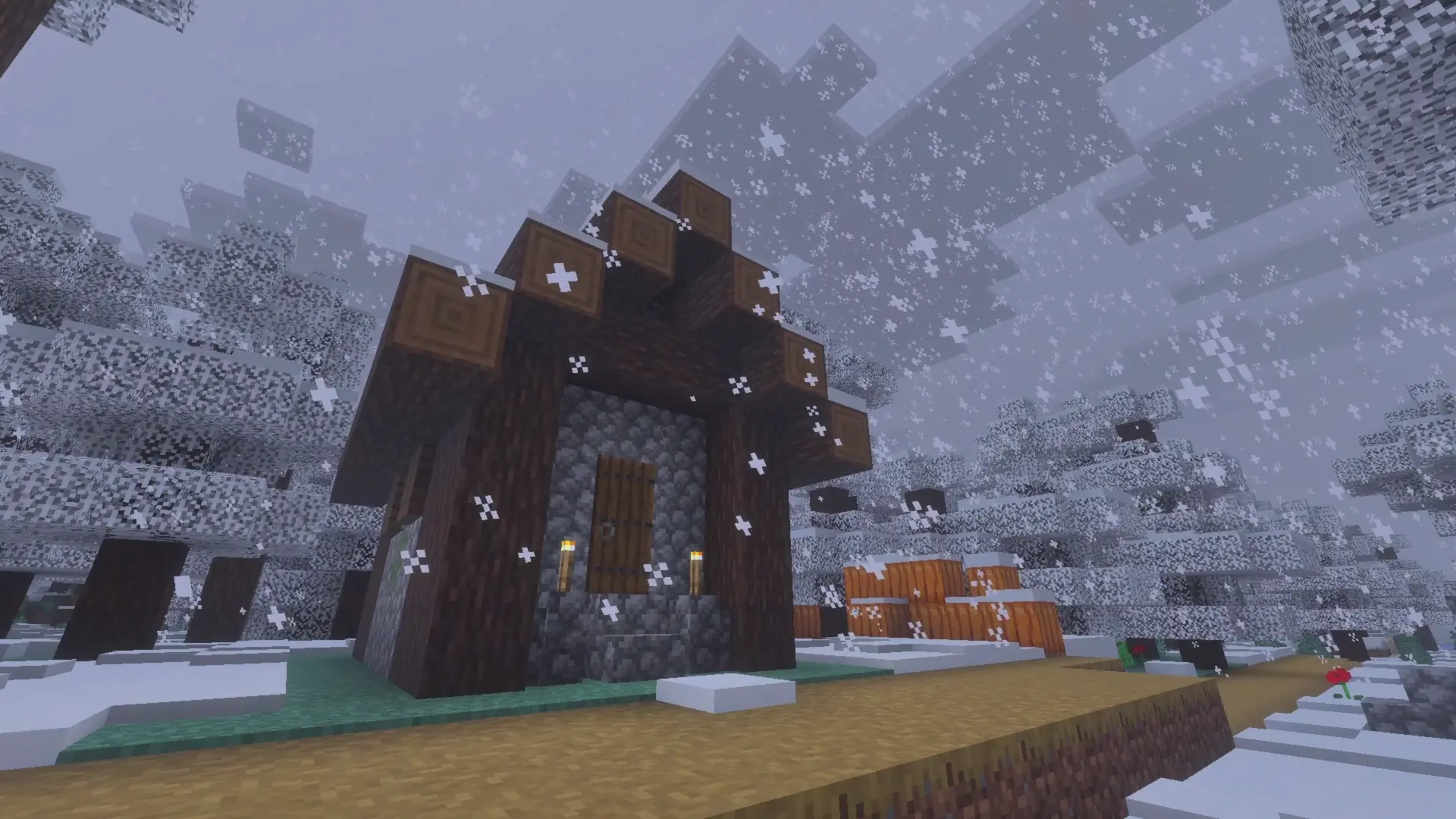
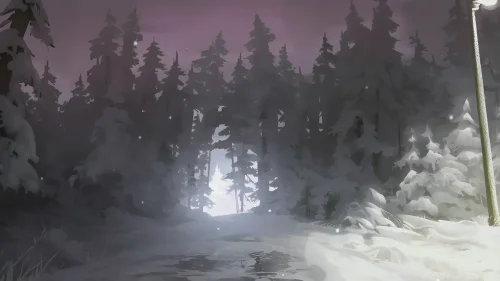
Snow drifts gently across the frozen landscape as a small wooden cabin stands quietly beneath the frosty trees. The soft glow of torches beside the door warms the scene, offering a cozy contrast to the cold winter air. It feels like a peaceful moment hidden deep within a snowy forest, untouched and serene.
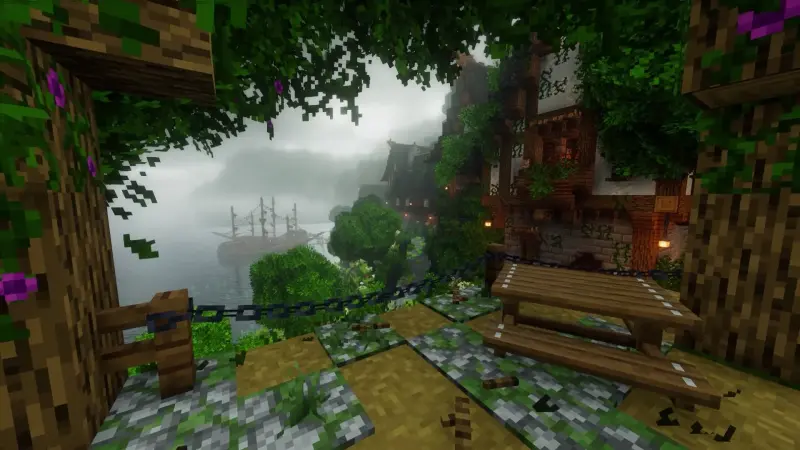
Around the cabin, pixelated pine trees shimmer under layers of fresh snow, while soft flakes continue to fall from the cloudy sky. A path covered in frost leads through the village, past pumpkins and scattered flowers, giving the world a charming, handcrafted atmosphere that only Minecraft-style landscapes can create.
Winter Minecraft Cabin Live Wallpaper brings this calm, nostalgic winter setting directly to your screen. Perfect for fans of cozy builds, snowy biomes, and relaxing pixel-art vibes, it turns every glance at your device into a moment of quiet escape—warm, simple, and beautifully wintry.

No comments
Information
Users of Guests are not allowed to comment this publication.