

Cyberpunk Streets
15-09-2025, 22:24

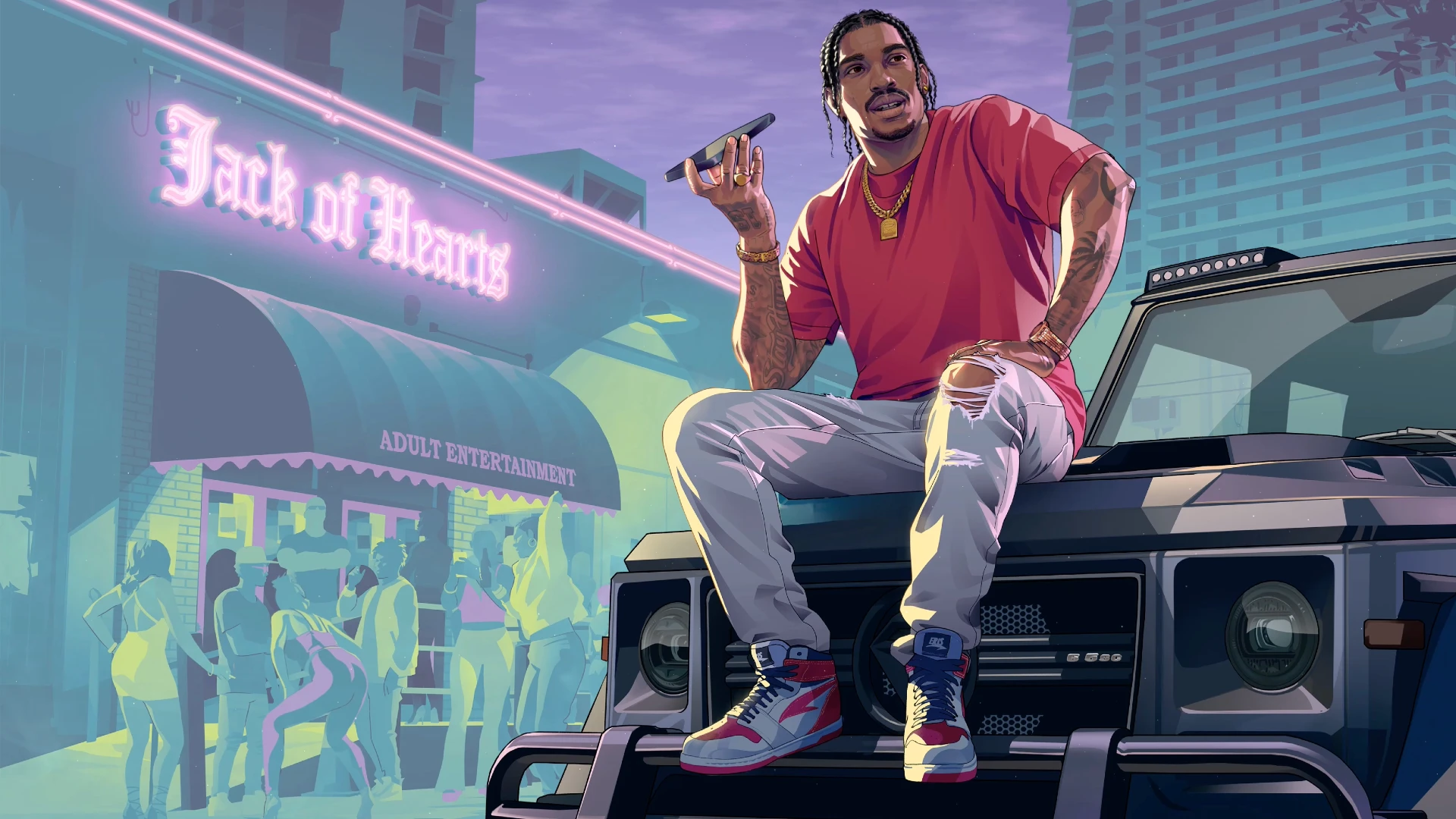
Dive into the gritty glamour of GTA VI with the Dre'Quan Priest Live Wallpaper, a stunning animated backdrop that captures the raw energy of urban nightlife. Set outside the glowing "Jack of Hearts" club, this scene explodes with neon lights, thumping party energy, and street culture aesthetics.
Front and center is Dre'Quan Priest, casually perched on the hood of a blacked-out G-Wagon. Dressed in a red tee, ripped jeans, and gold chains, he holds a phone in one hand like a boss surveying his turf. His confident posture, stylish sneakers, and tattooed arms tell the story of someone who owns the night. The entire scene pulses with the unmistakable vibe of Grand Theft Auto VI — luxury meets danger, and every detail speaks power.
Whether you're a die-hard GTA fan, a lover of animated city wallpapers, or someone who craves a bit of neon-fueled edge on your screen, this live wallpaper delivers. From the reflective surfaces of the car to the silhouettes of partygoers under the club’s marquee, the animation is rich, stylish, and full of movement.
Compatible with phones, tablets, and desktops, the Dre'Quan Priest GTA VI Live Wallpaper transforms your screen into a cinematic slice of Vice City-style nightlife. Download it now and bring street style, neon flair, and GTA-inspired attitude straight to your device.



No comments
Information
Users of Guests are not allowed to comment this publication.