
Minecraft Peaceful Sunrise
30-05-2026, 22:35

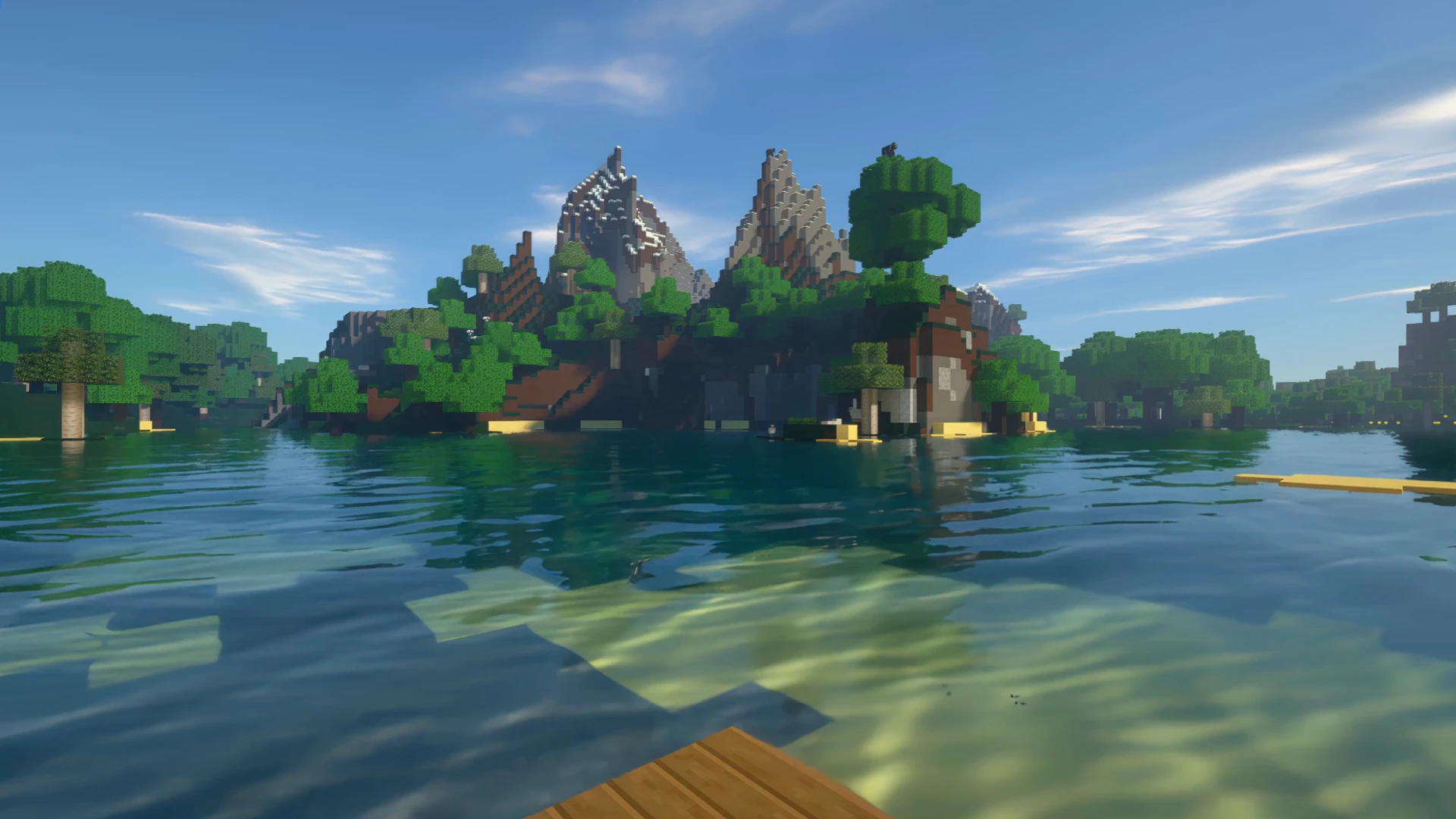
Step into the blocky beauty of a peaceful tropical haven with the Tropical Island View – Minecraft Live Wallpaper. This animated desktop background isn’t just another looping scene—it’s a cinematic escape into one of the most iconic sandbox games ever created.
Imagine drifting silently on calm waters, your pixelated raft gliding toward a distant Minecraft island. The early morning sun casts soft reflections across the animated water, dancing light across the ocean floor. Ahead, tall mountains covered in green blocks rise like ancient guardians, while lush pixel trees cluster near golden shores. It’s the kind of view you might stumble upon after a long survival journey—serene, untouched, and full of possibility.
This Minecraft live wallpaper is perfect for players who crave more than just gameplay—it’s for those who want to feel immersed in the game's natural beauty even while working or browsing. Designed to bring a touch of tranquility to your desktop, this high-quality animated wallpaper features real-time water movement, dynamic lighting, and relaxing tropical island ambiance, all crafted in Minecraft’s unmistakable art style.
Whether you're a dedicated builder, an adventurer at heart, or just looking for the best animated wallpaper to personalize your workspace, this scene speaks to the soul of Minecraft: discovery, peace, and endless exploration. It’s more than a background—it’s a living memory of every sunrise you’ve watched in-game.
Highly optimized for visual clarity and performance, this animated loop runs smoothly on any modern setup, making it one of the top-rated Minecraft live wallpapers for both aesthetic appeal and low system impact.
Let your screen tell a story. Let it remind you of those quiet mornings, those silent boats, and the thrill of discovering new terrain in the world of blocks. Welcome to your tropical escape—crafted in pixels, alive in motion.
No comments