
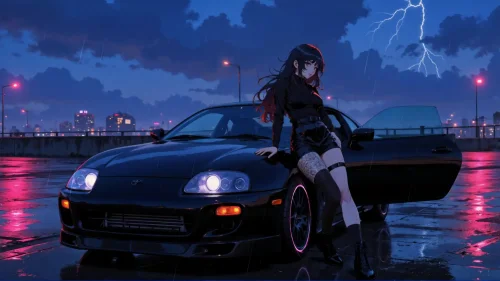
Toyota Supra Turbo A80
3-09-2025, 23:39

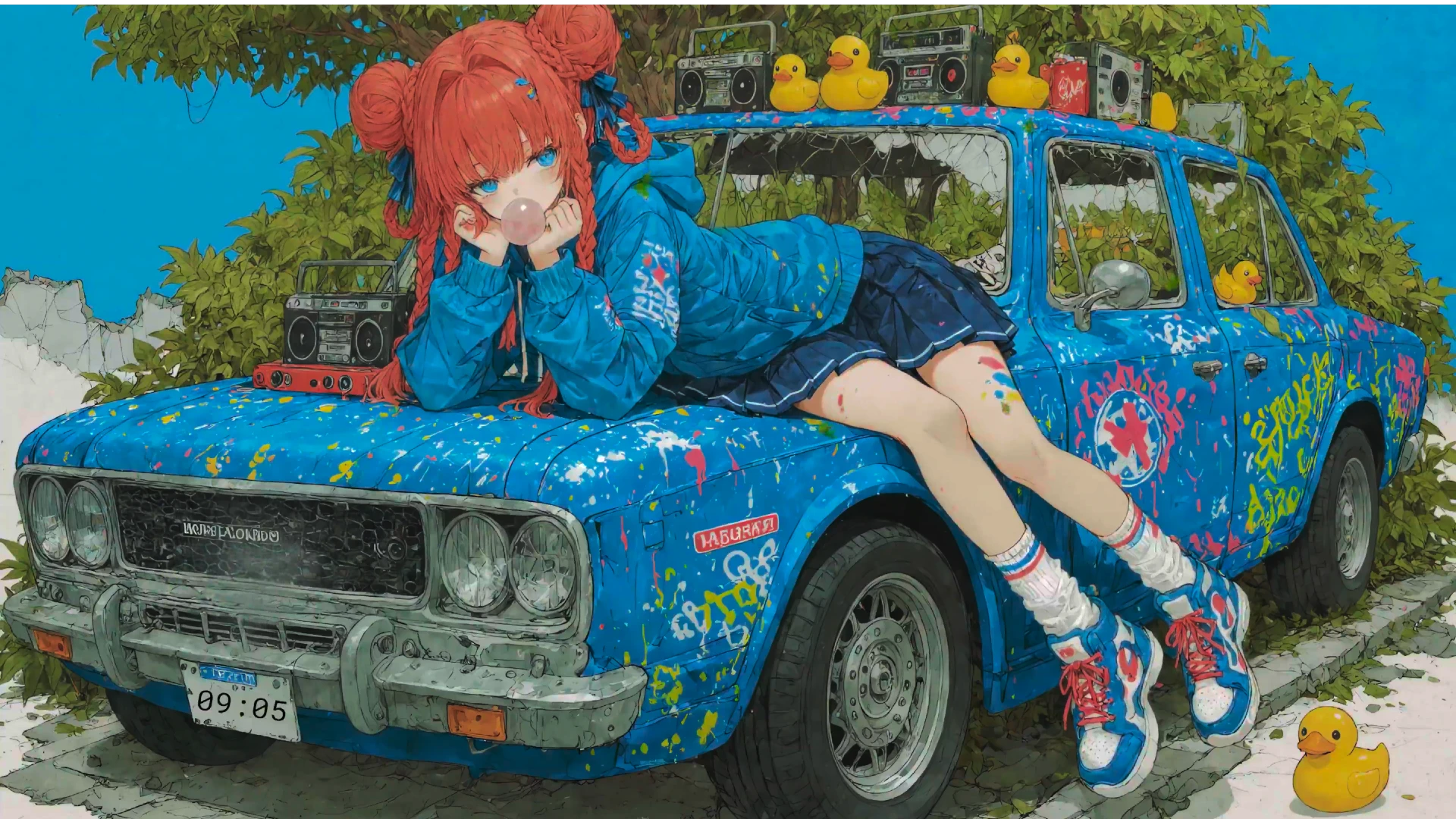
This desktop live wallpaper combines retro charm, anime aesthetics, and playful details in one colorful scene. A vibrant anime girl with red hair lounges on the hood of a graffiti-painted classic car, chewing bubblegum as if lost in her own world. Around her sit old-school boomboxes and rubber ducks, adding both nostalgia and humor. Unlike static images, this anime live wallpaper for PC enhances your screen with vivid colors, subtle animation, and a unique story behind every detail.
The charm of this wallpaper lies in the blend of retro elements—boombox stereos, graffiti-covered car panels, street fashion sneakers—with the polished touch of contemporary anime artwork. For fans of anime girl wallpapers, retro car backgrounds, or even quirky details like rubber duck themes, this wallpaper is a perfect match. It doesn’t just decorate your screen—it creates an atmosphere of fun, creativity, and rebellion.
Unlike generic anime backgrounds, this scene tells a story. The classic blue car becomes a canvas of graffiti art, reflecting youth and freedom. The anime girl’s casual pose and bubblegum chewing give off a carefree energy. Combined with the unusual touch of rubber ducks and vintage boomboxes, this retro anime wallpaper is full of personality and humor. It’s a celebration of street culture, nostalgia, and anime charm—all brought together in one digital artwork.
This retro beats anime girl live wallpaper is ideal for anyone who loves colorful, eccentric, and playful designs. Whether you’re into anime, retro vibes, or simply want something refreshing and fun on your desktop, this wallpaper delivers. Add personality to your PC with a background that combines music, street art, and quirky details into one unforgettable visual.


1 Comments
Information
Users of Guests are not allowed to comment this publication.