
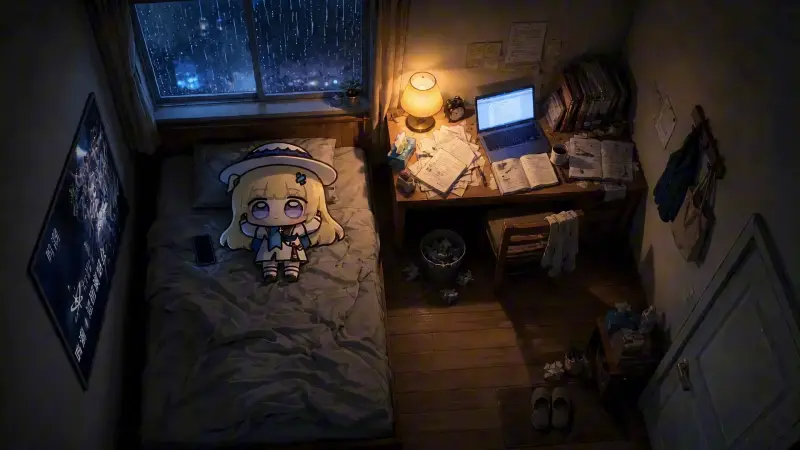
Phoebe Cozy Bedroom
21-08-2026, 07:48

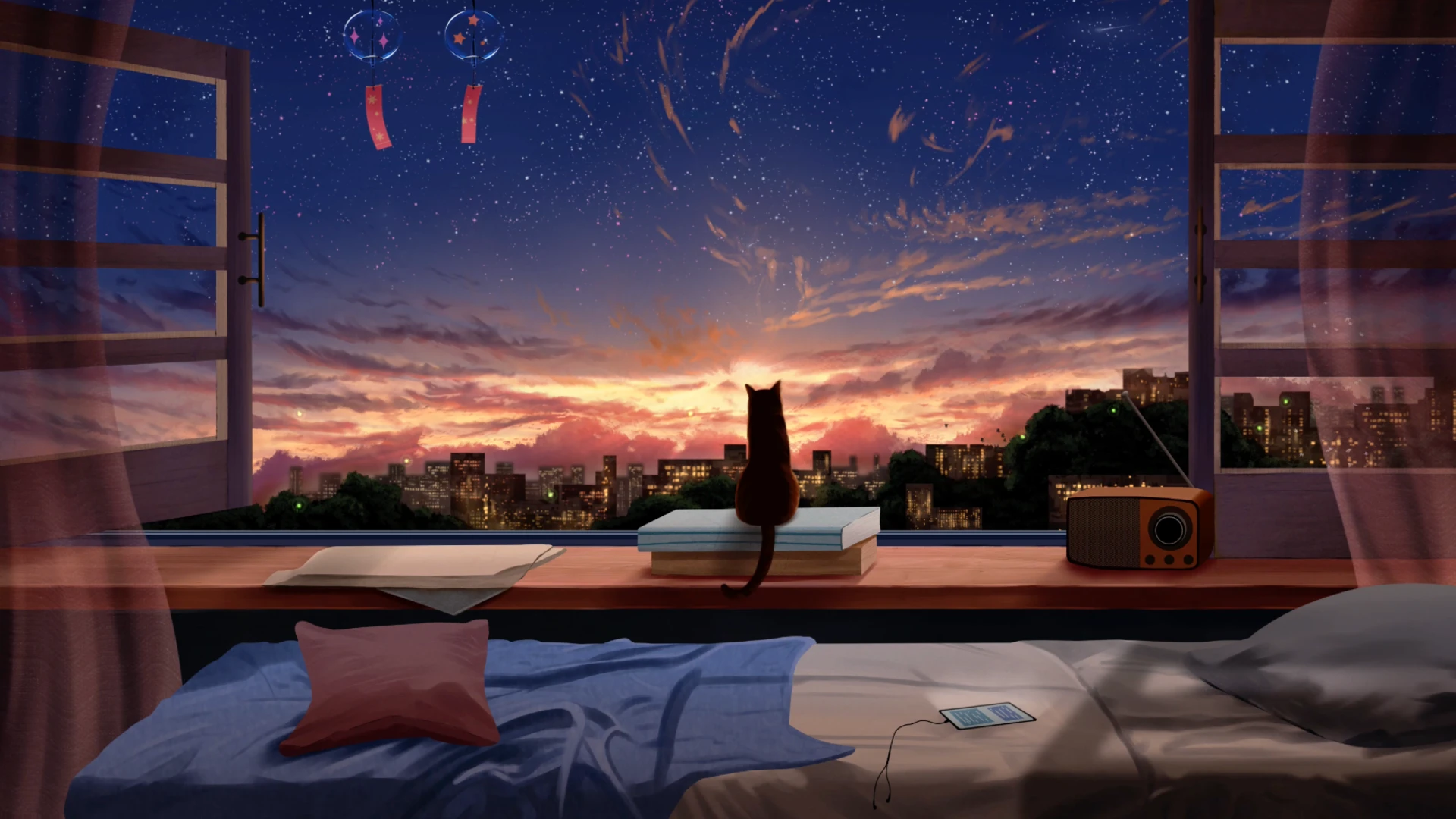
As the day fades into dusk, the world outside the window glows with the soft colors of a setting sun. This Evening Window View Live Wallpaper transforms your desktop into a peaceful anime-inspired scene that feels like it belongs in a beautifully animated film.
From the center of a cozy bedroom, we look out through open windows. The curtains sway gently, touched by the breeze of the approaching night. A pair of delicate wind chimes hang above, spinning slowly and catching the last golden rays of light. The room is still, warm, and full of calm — a bed left unmade, a pillow waiting, a phone left on the blanket, quietly charging. Every detail is subtle, familiar, and carefully placed.
On the windowsill, a black cat sits silently atop two books, gazing into the distance. Its silhouette is perfectly still, contemplative, almost poetic. Beyond it, the city skyline stretches out, buildings bathed in the orange and violet hues of twilight. The lights begin to twinkle in the distance as the sky darkens, slowly revealing a field of stars above — animated in a slow, graceful motion. The clouds shift gently, painted in pinks and purples, creating a transition that feels natural and emotionally rich.
This is a live wallpaper for desktop users who appreciate atmosphere, warmth, and beauty in motion. It doesn’t overwhelm the screen — instead, it breathes. With soft animation and perfect color balance, it creates a sense of quiet intimacy. Ideal for writing, working, relaxing, or simply watching — it brings the comfort of an open window and the poetry of a calm evening right to your desktop.
For fans of anime scenery, cozy bedroom wallpapers, and animated night views, this live wallpaper is a perfect choice. It blends the serenity of a private space with the vastness of a city sunset, wrapped in the magic of a starry sky. Every time you glance at your screen, it invites you to pause — not because it demands attention, but because it offers a moment of peace.
Let this live wallpaper turn your desktop into a window to another world — a place where it’s always evening, always calm, and always glowing with quiet wonder.



No comments
Information
Users of Guests are not allowed to comment this publication.